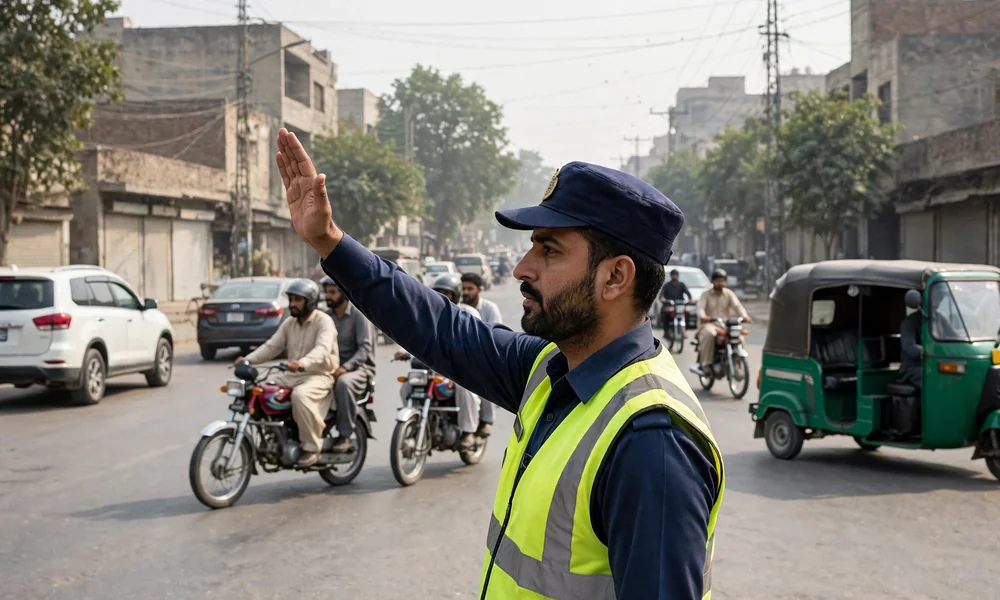
A Punjab e-challan begins with a camera, not a traffic warden. The Safe City camera network photographs a violation, the Punjab Safe Cities Authority (PSCA) issues a digital challan against the registration number, and the fine waits in an online record until it is paid. Many owners learn about a challan weeks later, or only when they try to sell the vehicle. This guide explains how to check the e-challan record, how payment works through the PSID, and how the challan record relates to the Excise record described in MTMIS Punjab: the complete guide to online vehicle verification.
Table of contents
- What an e-challan is, and what it is not
- Step by step: checking your e-challans
- How to read a challan entry
- Step by step: paying an e-challan
- E-challans and vehicle transfer
- Frequently asked questions
What an e-challan is, and what it is not
The e-challan system is operated by the Punjab Safe Cities Authority and covers the cities where the Safe City camera network runs, with Lahore as the largest and longest-running network. When a camera records a violation, such as a red signal crossing, a lane offence or an over-speed reading where the system is configured for it, the authority generates a challan carrying the violation, the place, the date and time, a photographic record and the fine set by the traffic fine schedule.
The critical point for vehicle owners is that this record is separate from the Excise MTMIS record. MTMIS holds registration, ownership and token tax; the PSCA system holds camera fines. Neither system clears the other, and a vehicle can be perfectly clear in one and in arrears in the other. That separation is why a purchase check has two halves, and why this guide exists alongside the verification guides on this website.
Step by step: checking your e-challans
- Open the official e-challan service of the Punjab Safe Cities Authority at echallan.psca.gop.pk. Type the address yourself, because fine payment attracts look-alike pages.
- Enter the vehicle registration number exactly as it appears on the number plate.
- Enter the CNIC of the registered owner, or the chassis number, where the form asks for a second identifier.
- Submit the search and read the list of challans returned against the vehicle.
- Open any challan to see its detail, including the violation, location, date and time, the photographic evidence and the fine amount, with the PSID issued for payment.
The check is free and needs no account. A newly issued challan can take a short period, commonly a day or two, to appear in the online record, so a clean result on the day of an incident is not a final clearance. The PSCA helpline is 1215 for queries about the challan record.
How to read a challan entry
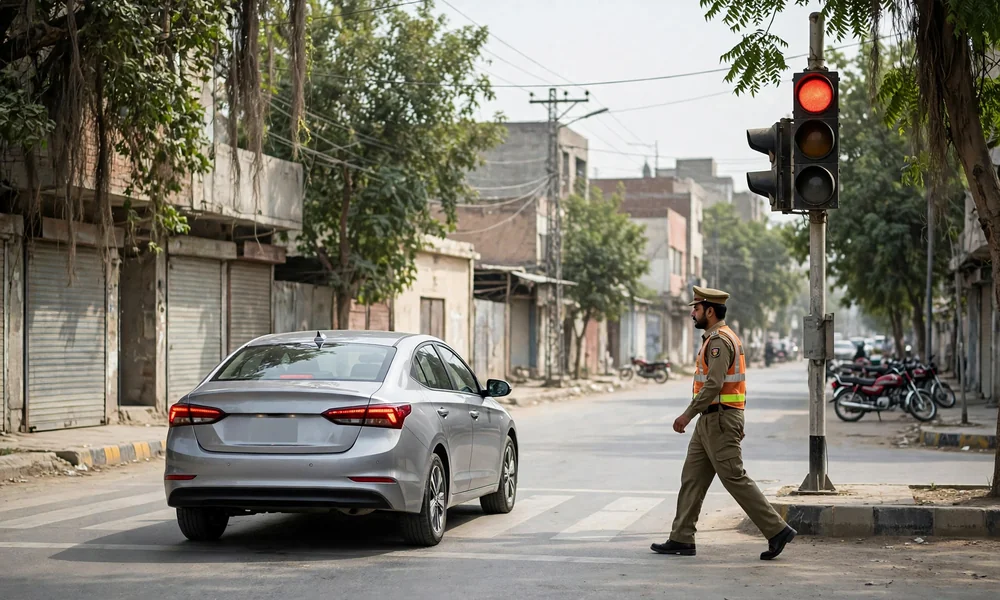
Each challan stands on its own, with its own fine and its own PSID, so read the list as separate liabilities rather than one combined bill. Confirm that the registration number, vehicle description and photograph match your vehicle before treating any entry as yours; number plate reading errors do occur, and a challan raised against the wrong vehicle is resolved through the PSCA, not by ignoring it and not by paying it. Note the status of each entry, because a list can hold a mixture of paid and unpaid challans, and only the unpaid ones need action.
Fine amounts follow the official traffic fine schedule for the violation recorded, and the amount printed on the challan is the amount payable against that PSID. Schedules are revised by notification, so this guide prints no per-violation table; the challan itself is the authoritative statement of what is owed.
Step by step: paying an e-challan
- Note the PSID printed on the challan you intend to pay. Each challan has its own number, so pay them one at a time.
- Open your bank application, mobile wallet or an ATM bill payment menu and select the traffic challan or PSCA payment option where it is listed.
- Enter the PSID. The channel fetches the fine amount against the number.
- Confirm the amount and the vehicle registration shown in the fetch summary before authorising the payment.
- Keep the receipt or confirmation message, and recheck the online record after a short period to confirm the challan shows as paid.
The payment rails are the same ones used for Excise dues, and the discipline is identical to the process in how to pay token tax online with ePay Punjab: exact PSID, exact amount, receipt kept. No officer is authorised to collect a camera fine in cash at the roadside, so treat any such demand as a warning sign in itself.
E-challans and vehicle transfer
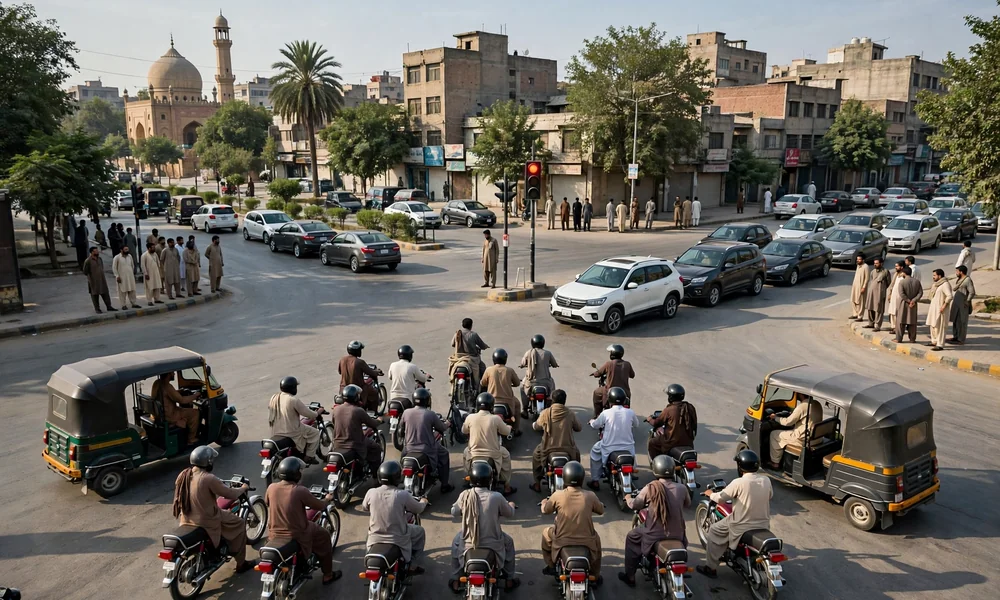
Unpaid e-challans surface at inconvenient moments, most often when a vehicle changes hands and the buyer checks both records before paying. The challans belong to the period of the previous ownership, but they sit against the registration number, so the practical settlement is the same as with token tax dues: agree before the transfer whether the seller clears them or the price falls by the total shown. In Lahore, where the camera network is densest, this check is not optional colour; the MTMIS Lahore guide treats the two-record check as the standard for a city purchase, and how to transfer vehicle ownership in Punjab covers the transfer sequence that follows.
Frequently asked questions
Where can a Punjab e-challan be checked?
Challans are checked on the official e-challan service of the Punjab Safe Cities Authority at echallan.psca.gop.pk, using the vehicle registration number with the CNIC or chassis number as the second identifier. The check is free and shows every challan recorded against the vehicle, with its violation, photograph and fine. The PSCA helpline is 1215.
How is an e-challan paid?
Each challan carries its own PSID, and that number is paid through a bank application, a mobile wallet or an ATM bill payment menu, in the same way as other government challans. The channel fetches the amount against the PSID, so confirm the fetched summary before authorising. Keep the receipt until the online record shows the challan as paid.
Does the MTMIS record show e-challans?
No. The MTMIS record holds registration, ownership and token tax, while camera fines are held in the separate PSCA e-challan record. A clean result in one system says nothing about the other, which is why both are checked before a purchase and before a transfer is finalised.
What happens if an e-challan is not paid?
The challan remains outstanding against the registration number and continues to appear in the record whenever it is checked. Unpaid challans complicate a sale, because buyers price them into the deal or require them to be cleared first. The fine on the challan is the amount payable, and paying early is always cheaper than settling the matter under the pressure of a transfer deadline.
A challan shows a vehicle or photograph that is not mine. What should be done?
Do not pay it and do not ignore it. Camera systems can misread a plate, and the correction route runs through the Punjab Safe Cities Authority, using the helpline 1215 and the challan reference. A challan raised against the wrong vehicle is cancelled through that process, and the record then clears.