
Independent guide · Every figure verified against official sources
Check any Punjab vehicle online — before you buy or pay
MTMIS Punjab holds the official registration record of every vehicle in the province. Verify a record in under a minute — no agent, no fee for the check.
Vehicle verification
Enter the registration number exactly as it appears on the number plate or smart card.
Verification is free on the official portal — the button opens mtmis.excise.punjab.gov.pk in a new tab, where the official record is shown. No internet? Send the number by SMS to 8785.
More tools on the official portal
Step-by-step on this site: how application tracking works · number plate information · vanity vehicle verification
- ✓ Free official record
- ✓ Every Punjab district, one portal
- ✓ No internet? SMS the number to 8785
Every MTMIS Punjab service, explained
Pick the job you need to do. Each card opens a complete guide with the current fee, the documents and the exact steps.
Vehicle Verification
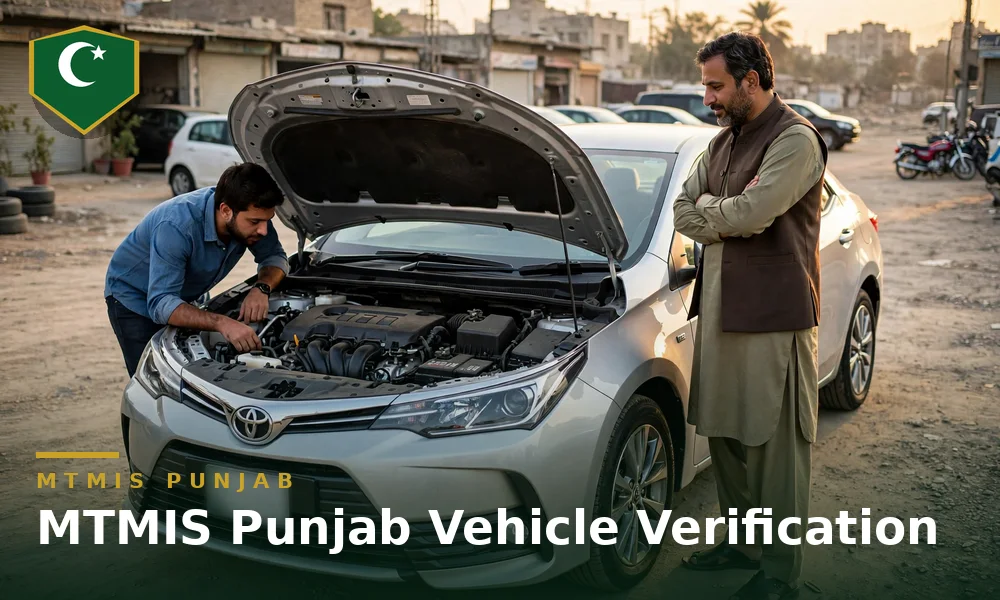
Read the official record of any Punjab car or motorcycle before you buy, sell or pay — owner, engine number and tax status.
Open the guide →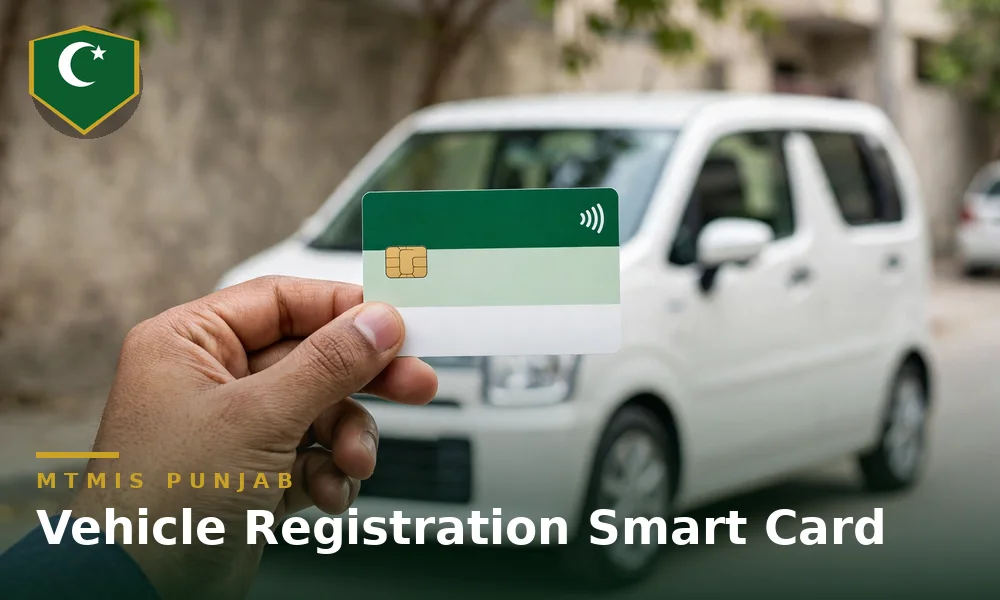
Registration & Smart Card
New registration, Form F, the chip-based smart card and the e-registration card — the full process with current fees.
Open the guide →
Token Tax
Check dues online, see the 2026-27 rates and lifetime categories, and pay through ePay Punjab with a 17-digit PSID.
Open the guide →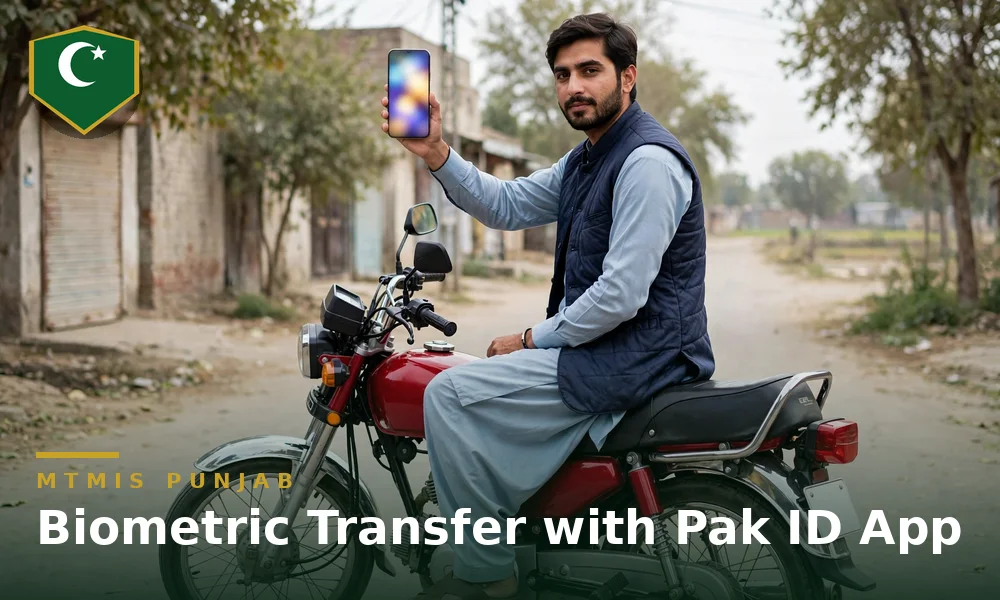
Transfer of Ownership
Biometric transfer through the Pak ID app, seller and buyer steps, transfer fees and the documents to carry.
Open the guide →
Number Plates & E-Auction
Plate rules 2026, duplicate plates, CNIC-linked plates and how fancy numbers are won in the official e-auction.
Open the guide →
E-Challan (Safe City)
Check and pay Punjab Safe City e-challans online, and the route to dispute a challan that is not yours.
Open the guide →
Application Tracking
Track a registration or smart card application and read every status the official portal can show.
Open the guide →
Token Tax Calculator
Estimate registration, transfer and token tax from the verified official rates before you generate a challan.
Open the guide →How to verify a vehicle online in 4 steps
The same process works for cars, motorcycles and commercial vehicles registered anywhere in Punjab.
- 01
Open the official portal
Use the verification box on this page — it takes you straight to mtmis.excise.punjab.gov.pk, the only official MTMIS Punjab portal.
- 02
Enter the registration number
Type the number exactly as it appears on the number plate or smart card, for example LEA-1234.
- 03
Add the registration date and code
Pick the registration date printed on the vehicle documents and enter the security code shown on the portal.
- 04
Read the official record
The result shows the owner name, vehicle details, engine number and token tax status. Match every field against the physical vehicle.
What the official record shows
- Registered owner name — match it with the seller CNIC
- Registration number and registration date
- Engine number shown in the official record
- Maker, model and year of manufacture
- Token tax status — paid or in default
- Application and smart card status on linked tools
Verify online, by SMS, or by CNIC
Online on the portal
The full record on mtmis.excise.punjab.gov.pk — registration number, registration date and the security code, result in under a minute.
Verify online →By SMS to 8785
No internet needed. Send the registration number to 8785 and the basic record returns by text message.
See the SMS method →Vehicles on your CNIC
Find the vehicles recorded against your CNIC and fix the record when a sold vehicle still shows against your name.
Check by CNIC →Popular guides vehicle owners read first
Main guide MTMIS Punjab: the complete guide to online vehicle verification
The complete guide to MTMIS Punjab: verify any Punjab vehicle online or by SMS, read every field in the record, and understand registration, token tax and transfer.
Read the guide → Token Tax
How to check token tax online in Punjab
See exactly how much token tax your vehicle owes and until when it is paid — the online dues check on ePay Punjab, step by step.
Read the guide → Transfer of Ownership
How to transfer vehicle ownership in Punjab
The complete biometric transfer process in Punjab: ePay PSID, seller and buyer biometrics, approval and the new smart card.
Read the guide → Registration and Smart Card
How to register a new vehicle in Punjab (Form F)
Form F, documents, dealer registration and the smart card: the complete process for registering a brand-new vehicle in Punjab.
Read the guide → Verification
How to check all vehicles registered against your CNIC in Punjab
No public page lists every vehicle against a CNIC. Here is what the portal and SMS check can confirm, and how the Excise office record gives the complete position.
Read the guide → Verification
Used vehicle buying checklist: 12 checks before you pay in Punjab
Records and numbers first, dues and documents second, money last: the 12 checks that protect a used vehicle buyer in Punjab, in working order.
Read the guide →MTMIS guides for your city
One provincial portal covers all districts — these guides cover what is specific to each city and its Motor Registration Authority.
 Verification
MTMIS Lahore
Lahore-registered vehicle? Check its record online the same way — Lahore series explained, the city Excise and MRA touchpoints, and when an office visit is genuinely required.
Read the guide → Verification
MTMIS Rawalpindi: vehicle verification for Rawalpindi-registered vehicles
Rawalpindi-registered vehicle? Check its record online the same way — and why an Islamabad-registered vehicle does not appear on MTMIS Punjab at all.
Read the guide → Verification
MTMIS Faisalabad: vehicle verification for Faisalabad-registered vehicles
Faisalabad-registered vehicle? Check its record online the same way — Faisalabad context explained, plus where the city MRA office fits in.
Read the guide → Verification
MTMIS Multan: vehicle verification for Multan-registered vehicles
Multan-registered vehicle? Check its record online the same way — the South Punjab context, and where the file work for a Multan purchase actually runs.
Read the guide → Verification
MTMIS Gujranwala: vehicle verification for Gujranwala-registered vehicles
Gujranwala-registered vehicle? Check its record online the same way — the industrial city fleet, commercial vehicles and the GT Road market explained.
Read the guide → Verification
MTMIS Sialkot: vehicle verification for Sialkot-registered vehicles
Sialkot-registered vehicle? Check its record online the same way — the export city fleet, the airport cargo runs and where the district file work runs.
Read the guide →Latest MTMIS Punjab news
 News
BBU and BFR number plate e-auction bidding closes today, 14 November
Bidding closes today, November 14, 2026, at 9:00 pm for the second pair of new number plate series in Punjab s November e-auction: BBU for cars and BFR for motorcycles.
 News
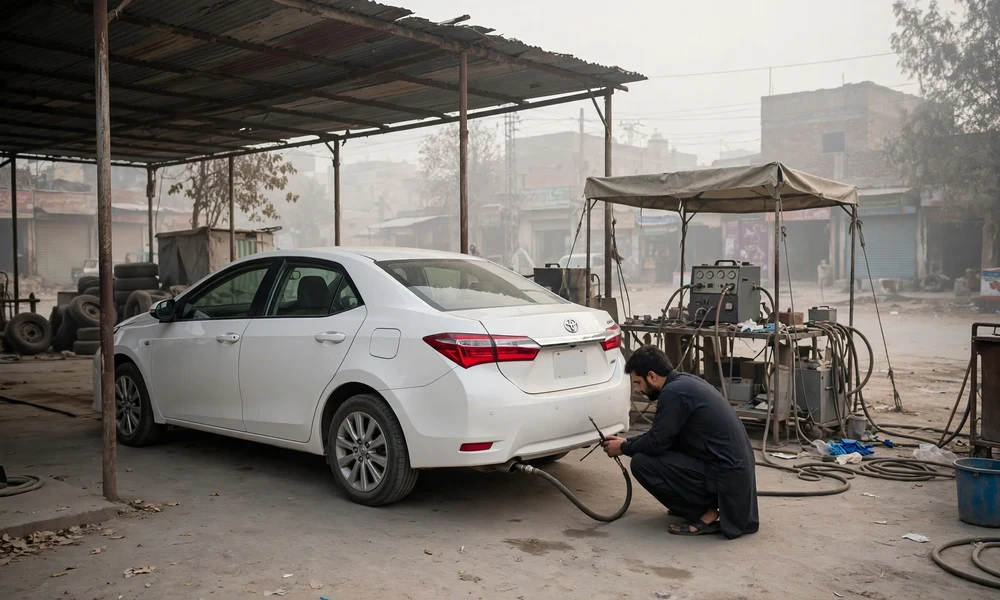
Punjab issues fresh reminder for vehicle emissions fitness certificate before 31 December deadline
The Punjab Transport and Mass Transit Department has issued a fresh reminder for vehicle owners to obtain the mandatory vehicle emissions fitness certificate before 31 December 2026.
 News
BBU and BFR number plate e-auction bidding opens today, 13 November
Bidding opens today, November 13, 2026, for the second pair of new number plate series in Punjab s November e-auction: BBU for cars and BFR for motorcycles.
What is MTMIS Punjab?
MTMIS Punjab is the Motor Transport Management Information System of the Excise, Taxation and Narcotics Control Department, Government of Punjab. The system holds the official registration record of every vehicle registered in the province — Lahore, Rawalpindi, Faisalabad, Multan, Gujranwala and every other district — and the online portal reads that single record for all districts.
This website is an independent guide to that system. The verification box above opens the official record of a vehicle. Step-by-step help with registration and the smart card, token tax, biometric transfer, number plates and e-challan sits in the blog archive, the complete walkthrough is the MTMIS Punjab verification guide, and department changes and deadlines appear in latest news.
Vehicle verification questions, answered
Is MTMIS Punjab vehicle verification free?
Yes. Checking a vehicle record on the official portal is completely free, and the SMS check on 8785 costs only the standard message charge. Never pay an agent or a website to unlock a vehicle record.
What do I need to verify a vehicle online?
Three things from the vehicle documents: the registration number, the registration date, and the security code the portal shows on screen. With those, the official record opens in under a minute.
Can I check which vehicles are registered on my CNIC?
The public portal searches by registration number. Our CNIC guide explains the official routes for seeing the vehicles recorded against a CNIC and what to do when a sold vehicle still appears against your name.
Does this website store my vehicle data?
No. The verification box opens the official Excise portal in a new tab and the check happens there — your registration number is never sent to or stored by this website.
How long does the smart card take after registration?
Delivery times vary with the application load at the Motor Registration Authority; recent applications have generally taken a few weeks. You can follow the application through the tracking tools explained in our tracking guide.
Buying a used vehicle?
Run the registration record first — it takes a minute and it is the cheapest protection a buyer can get.