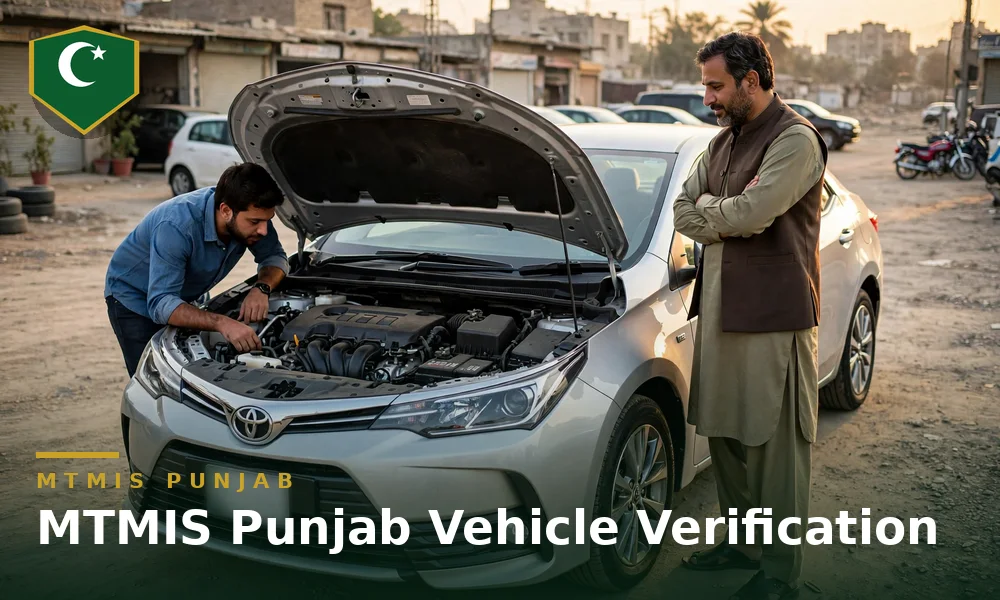
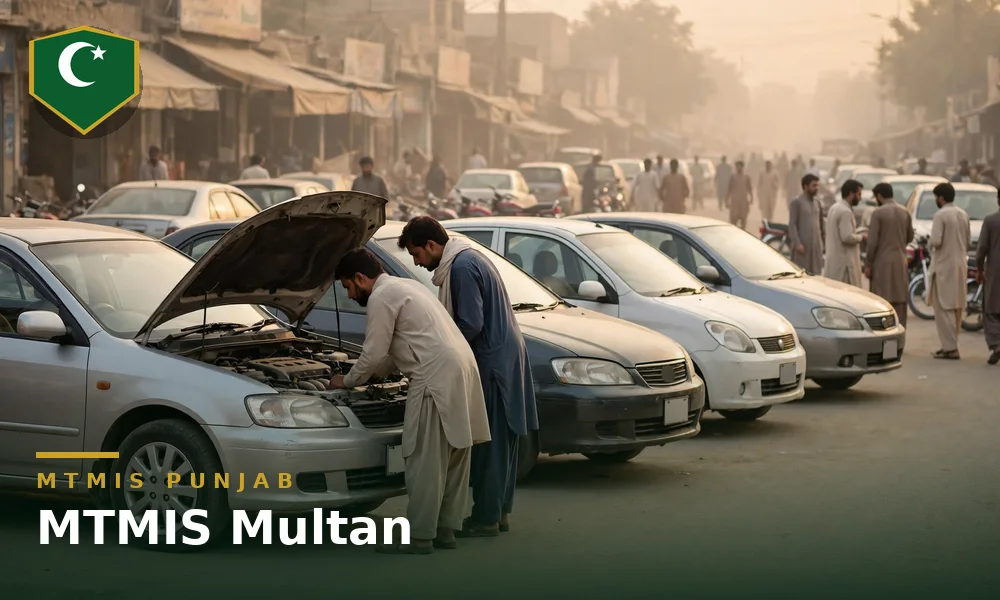
Multan is the centre of South Punjab and the largest vehicle market of the south, and buyers travel into the city from Vehari, Khanewal, Lodhran and Muzaffargarh. No separate MTMIS Multan portal exists, and a Multan-registered vehicle verifies on the provincial portal at mtmis.excise.punjab.gov.pk with the registration number, the registration date and the security code. The Motor Registration Authority (MRA) Multan holds the file of each Multan registration for the counter work that stays offline. One distinction runs through every Multan purchase: the district of purchase and the district of registration are often different, and the file stays with the registering authority. This guide covers MTMIS Multan: the verification routes, the Multan Excise touchpoints, the cases that need an office visit and the checks before a used vehicle purchase in the city.
Quick answer: One provincial portal verifies Multan vehicles. Open mtmis.excise.punjab.gov.pk and enter the registration number, the registration date printed on the smart card or registration book, and the security code shown on the page. The result shows the owner, vehicle and token tax details and the engine number, but no chassis number.
Table of contents
- One portal for Multan and all of Punjab
- How verification works for Multan-registered vehicles
- Motorcycle verification in Multan
- Number plate check in Multan
- Smart card status check
- Token tax in Multan
- Multan Excise and MRA touchpoints
- When an office visit is required
- Buying a used vehicle in Multan
- Frequently asked questions
One portal for Multan and all of Punjab
No separate MTMIS Multan website exists, and any page that presents itself as one is a guide site or a copy. Multan-registered vehicles verify on the provincial portal, alongside vehicles from Lahore, Faisalabad, Rawalpindi and every other district, because every district Motor Registration Authority feeds one central database. The Excise, Taxation and Narcotics Control Department maintains the database with the Punjab Information Technology Board (PITB), and the district of registration changes nothing in the route of the check.
The single portal matters more in Multan than in most districts, because the Multan market sells vehicles registered across the whole southern belt. A car registered in Vehari and offered for sale at a Multan showroom verifies on the same portal with the same three inputs.
Multan registrations are easy to recognise in the record. Older district series carry the MN prefix widely associated with Multan registrations, and the city has run through many series since that format. A reader copies the number from the plate or the smart card rather than from memory, because one wrong letter returns the wrong vehicle or no vehicle at all.
How verification works for Multan-registered vehicles
The online process is the provincial one, and it takes about a minute:
- Open the official portal at mtmis.excise.punjab.gov.pk.
- Select the vehicle verification option on the home page.
- Enter the registration number exactly as it appears on the plate or the smart card.
- Enter the registration date printed on the smart card or registration book.
- Enter the security code shown on the page.
- Submit the search and read the record that returns.
The record shows the owner name and city, the make, model and year, the engine number, the token tax paid-up-to date and any live application against the vehicle. The city field on the result names the district of registration, and a Multan buyer reads that field first. The online result does not display the chassis number, so a reader compares the chassis number on the card or book with the frame stamping.
SMS verification runs beside the portal for a reader without internet access. The reader sends the registration number to 8785 and receives the record by message. The SMS route suits a roadside check at the vehicle, and the portal route suits a full reading of the record before payment. Both routes read the same central database, and neither route charges a fee.
How to verify a vehicle online on MTMIS Punjab, step by step walks through every field of the result.
Two records describe a Multan vehicle. The Excise record covers registration, ownership and token tax. Camera-issued traffic fines sit in a separate record held by the Punjab Safe Cities Authority for the camera-enforced areas where the vehicle has run. A clean Excise record says nothing about unpaid camera fines, so a buyer checks both records before a purchase.
Motorcycle verification in Multan
Motorcycles form a large part of the Multan fleet, and the check runs in exactly the same way as a car check. Enter the registration number and the registration date on the same portal form, or send the registration number by SMS to 8785. The result shows the owner name, the make and model, the engine number and the token tax position. Motorcycles pay a lifetime token tax of Rs 1,500 at registration, so a motorcycle record should show no annual token dues. Match the engine number in the result with the stamping on the engine before any money changes hands. The guide to motorcycle verification on MTMIS Punjab covers the extra checks that matter on a bike, including the frame number comparison.
Number plate check in Multan
A number plate check in Multan starts from the same record as a full verification. Read the number exactly as it is stamped on the plate, including the series letters, and enter it with the registration date on the portal. A wrong series letter is the most common reason a Multan search returns no record. Public listings commonly report the older Multan series in the table below.
| Prefix | Commonly reported association | Example format |
|---|---|---|
| MN | Multan | MN-1234 |
Treat the table as a guide to what is seen on the road, not as a rule. Punjab has issued a universal province-wide series since 17 August 2020, so a Multan vehicle registered after that date may carry none of these letters, and the district of registration recorded in MTMIS decides which MRA office owns the file. The guide to number plate information in Punjab explains what each part of a plate means.
Smart card status check
A Multan smart card application is followed on the portal. Open the application tracking service, enter the tracking ID from the application receipt, and read the current status, which moves from challan payment through printing to dispatch. The smart card fee is Rs 1,300, and the printed card is delivered by post, usually in about two to four weeks. A card that cannot be delivered is returned, after which it is collected from the MRA office of the district of registration. While the card is in transit, the free e-registration card serves as proof of registration. Returned card tracking is set out in smart card application and delivery tracking, and the card itself is explained in the vehicle registration smart card guide.
Token tax in Multan
The verification record shows the token tax paid-up-to date of a Multan vehicle, and ePay Punjab prices every unpaid year with its surcharge. Under the token tax structure for 2026-27 published by the department, cars up to 1000cc pay a one-time lifetime token tax of Rs 20,000, cars from 1001cc to 2000cc pay 0.3 percent of the invoice price per year, and cars over 2000cc pay 0.4 percent of the invoice price per year. Motorcycles pay a lifetime token tax of Rs 1,500 at registration. Payment runs against a 17-digit PSID through a bank application, an ATM or a mobile wallet. How to check token tax online in Punjab walks through the check, and the Punjab token tax calculator gives an estimate for a vehicle before the ePay figure is generated.
Multan Excise and MRA touchpoints
Most Multan work no longer needs an office, because verification, dues and payments run online. A counter case runs through the touchpoints below.
- Motor Registration Authority Multan. The district registration authority handles the file-level work for Multan-registered vehicles: registration, transfer support, duplicate documents, endorsements and record correction. The district Excise and Taxation Officer heads the district office, and the official department contact list places Multan at the head of the department grouping that covers Vehari, Khanewal and Lodhran.
- The district of registration keeps the file. Counter work for a vehicle runs in the district named on the record, and a purchase completed in a Multan showroom moves no file to Multan.
- Department head office, Transport House, 11-A Egerton Road, Lahore. The provincial head office carries policy matters, escalations and complaints that the district office cannot settle, and the department helpline is 1035.
- Facilitation centres. Biometric verification for transfers and a range of counter services run at facilitation centres, and the PITB helpline 0800-08786 confirms the nearest working centre for a Multan applicant.
- Online first. Verification runs on the portal, dues and payments run through ePay Punjab, and an appointment can be booked before a counter visit, so counter time goes to the file rather than to a queue.
An owner confirms the current counter position for a series on the department website or on helpline 1035 before travel, because district counter arrangements change over time and this guide prints no street address that a change would falsify.
When an office visit is required
Some problems cannot close on the portal, and an office visit to the registering authority is required in these situations.
- The record does not exist online. Very old Multan vehicles that were never digitised confirm against the paper file at the MRA office alone.
- The record is wrong. An incorrect engine number, colour or owner detail corrects on the file by the registering authority, supported by documents and, where the case needs one, a physical inspection.
- The chassis or engine stamping does not match the record. A mismatch is an inspection matter, and a buyer never accepts a promise that the office will sort the mismatch out after the sale.
- A complete CNIC-linked list is needed. The open portal limits the personal data on display, and an owner who needs formal confirmation of every vehicle recorded against a CNIC attends the MRA with the original CNIC.
- A card or book stands lost, or a returned smart card awaits collection. Duplicate documents and undelivered cards issue through the office of the district of registration.
- The vehicle was bought in Multan and registered in another district. The visit runs to the MRA of the district of registration, not to the MRA Multan.
The visitor carries the original smart card or registration book, the CNIC of the registered owner and the vehicle itself where an inspection is likely.
Buying a used vehicle in Multan
Multan anchors the used vehicle trade of South Punjab. A single showroom row can hold Multan, Vehari, Khanewal and Lodhran registrations side by side, and each vehicle on the row verifies on the same portal. The buyer runs the online check at the vehicle, never from a screenshot the seller supplies, because a screenshot can come from a different vehicle or an earlier date. The buyer matches the owner name to the CNIC of the seller, the engine number on the result to the stamping on the engine, and the chassis number on the card to the stamping on the frame. The buyer checks the token tax paid-up-to date on the result, then checks the separate e-challan record where the vehicle has run in a camera-enforced area.
The district line on the result decides the paperwork journey after the sale. A Multan-registered vehicle completes the counter stages of a transfer at the MRA Multan. A vehicle registered in a neighbouring district completes those stages at the authority of that district, and a buyer prices the travel and the time into the deal before payment.
The transfer completes biometrically after purchase. An open letter leaves the record, and the legal risk, with the seller. A buyer in Multan applies the same rule as a buyer in Lahore: documents first, payment after, transfer on the record before the vehicle changes hands in any lasting sense. The same pattern runs in the MTMIS Faisalabad guide for the other large regional market of the province.
MTMIS Punjab: the complete guide to online vehicle verification covers the full system behind the Multan check, including registration, token tax and transfer in one place.
How to check and pay a Punjab e-challan online covers the camera fine record that stands separate from the Excise record.
Frequently asked questions
How do I check MTMIS Multan online?
Open mtmis.excise.punjab.gov.pk and select the vehicle verification option. Enter the registration number of the Multan vehicle, the registration date printed on the smart card or registration book, and the security code shown on the page. The result shows the owner name and city, the make, model and year, the engine number and the token tax paid-up-to date. No separate Multan login or Multan portal exists.
Is there a separate MTMIS Multan portal?
No. Multan vehicles verify on the single provincial portal at mtmis.excise.punjab.gov.pk, because every district Motor Registration Authority feeds the same central database. Pages that present themselves as a separate Multan portal are guide websites.
A vehicle on sale in Multan carries a Vehari registration. Does the same portal verify the vehicle?
Yes. The portal reads one central database for the whole province, and the district of registration changes nothing in the check. The file of the vehicle stays with the Motor Registration Authority Vehari, and counter work runs in Vehari rather than in Multan.
Why does a Multan vehicle show no record online?
A reader first checks the series letters and the registration date for typing errors, because one wrong character returns an empty result. Correct inputs with an empty result point to an old registration that was never digitised, and the MRA Multan confirms such a vehicle against the paper file. A vehicle registered outside Punjab also returns nothing on this portal.
Can token tax for a Multan vehicle be paid without an office visit?
Yes. Dues calculate and pay through ePay Punjab, and ePay Punjab issues a 17-digit Payment Slip ID (PSID) that a bank application, an ATM or a mobile wallet accepts. The payment then reflects in the verification record of the vehicle.
Does a clean MTMIS record mean a Multan vehicle has no fines?
No. The MTMIS record covers registration, ownership and token tax, and camera-issued fines sit in the separate Punjab Safe Cities Authority e-challan record. A purchase check covers both records, because the two systems do not clear each other.
Does the verification result show the chassis number of a Multan vehicle?
No. The result shows the engine number and the record fields of the vehicle, and the result shows no chassis number for any Punjab district. A buyer reads the chassis number on the smart card or registration book and matches the number against the frame stamping.
How long does a Multan smart card take?
Delivery usually takes about two to four weeks, depending on printing and postal load, and the same timelines apply in Multan as in the rest of Punjab. Track the card on the portal, and use the free e-registration card as proof of registration while the printed card is in transit.