MTMIS Sialkot: vehicle verification for Sialkot-registered vehicles
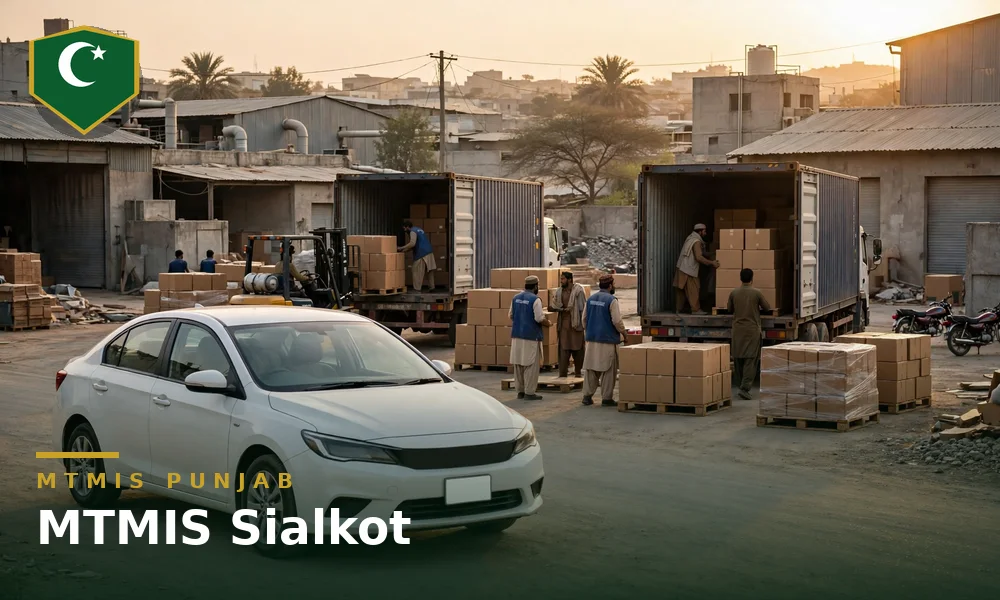
Sialkot stands in the north east of Punjab, in the export triangle the district forms with Gujrat and Gujranwala, and the Sialkot fleet sits in the same MTMIS Punjab database as every other district of the province. No separate MTMIS Sialkot portal exists, and a Sialkot-registered vehicle verifies on the provincial portal at mtmis.excise.punjab.gov.pk with the registration number, the registration date and the security code. The district builds its working fleet around export cargo: factories ship sports goods, surgical instruments and sportswear through the Sambrial Dry Port and Sialkot International Airport, and goods vehicles run between the factories, the dry port and Lahore all day. The Motor Registration Authority (MRA) Sialkot holds the file of each Sialkot registration for the counter work. This guide covers MTMIS Sialkot: the verification routes, the series on Sialkot plates, the Excise touchpoints, the office visit cases and the checks before a used vehicle purchase in the export market.
Table of contents
- One portal for Sialkot and all of Punjab
- How verification works for Sialkot-registered vehicles
- Sialkot Excise and MRA touchpoints
- When an office visit is required
- Buying a used vehicle in Sialkot
One portal for Sialkot and all of Punjab
No separate MTMIS Sialkot website exists, and any page that presents itself as one is a guide site or a copy. Sialkot-registered vehicles verify on the provincial portal, alongside vehicles from Gujranwala, Gujrat, Lahore and every other district, because every district Motor Registration Authority feeds one central database. The Excise, Taxation and Narcotics Control Department maintains the database with the Punjab Information Technology Board (PITB), and the district of registration changes nothing in the route.
District series carry the ST letters widely associated with Sialkot registrations, and the district has run through many series since that format. Newer registrations run in the province-wide series the department issues across Punjab, and the series formats have changed over the years. A reader copies the number from the plate or the smart card rather than from memory, because one wrong letter returns the wrong vehicle or none at all.
The Sialkot market holds vehicles from far beyond the district. Export houses run cars and cargo vehicles bought in Lahore and Gujranwala, overseas Pakistanis land at Sialkot International Airport from the districts around, and vehicles registered in other provinces cross the district on the highway. A vehicle registered in another province sits in the record of that province, and a vehicle registered in Islamabad sits in the separate Islamabad Capital Territory record, outside MTMIS Punjab. The plate and the smart card settle the question before any search begins: the authority named on the card owns the record. The companion guide to MTMIS Gujranwala covers the same check for Gujranwala-registered vehicles, in the directorate that carries the Sialkot escalation work and the neighbouring corner of the export triangle.
How verification works for Sialkot-registered vehicles
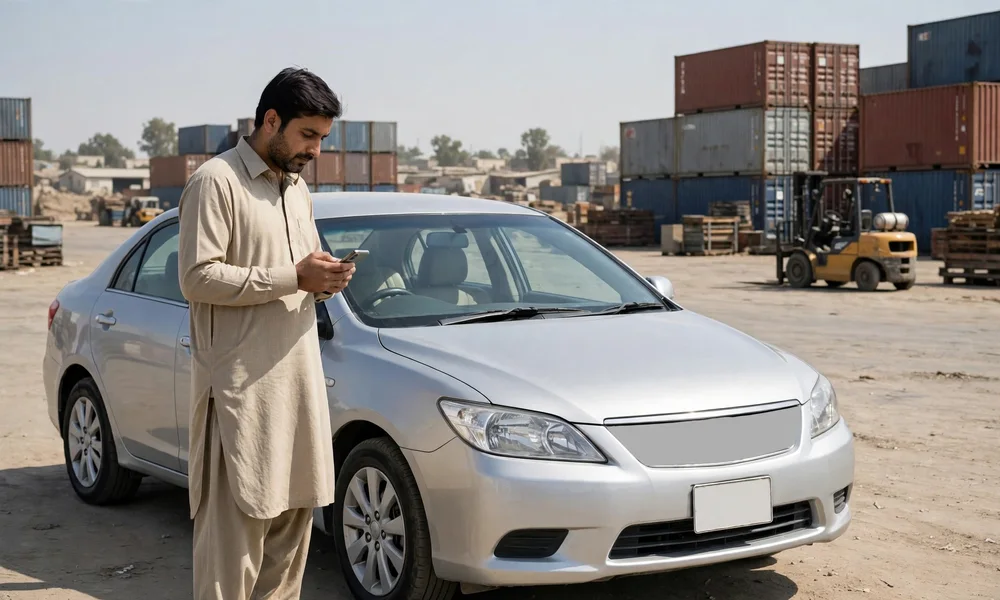
The online process is the provincial one, and the process takes about a minute. The reader opens the portal, opens the vehicle verification option and enters three inputs: the registration number, the registration date printed on the smart card or registration book, and the security code shown on the page. The record that returns shows the owner name and city, the make, model and year, the engine number, the token tax paid-up-to date and any live application against the vehicle. The online result does not display the chassis number, so a reader compares the chassis number on the card or book with the stamping on the frame of the vehicle.
SMS verification runs beside the portal for a reader without internet access. The reader sends the registration number to 8785 and receives the record by message. The SMS route suits a roadside check at the vehicle, and the portal route suits a full reading of the record before payment. Both routes read the Punjab database alone, and neither route charges a fee.
How to verify a vehicle online on MTMIS Punjab, step by step walks through every field of the result, including the fields a Sialkot buyer reads first.
Two records describe a Sialkot vehicle. The Excise record covers registration, ownership and token tax. Camera-issued traffic fines sit in a separate record held by the Punjab Safe Cities Authority for the camera-enforced areas where the vehicle has run, and Sialkot vehicles run daily to Lahore and Gujranwala, where camera enforcement operates. A clean Excise record says nothing about unpaid camera fines, so a buyer checks both records before a purchase.
Sialkot Excise and MRA touchpoints
Most Sialkot work no longer needs an office, because verification, dues and payments run online. A counter case runs through the touchpoints below.
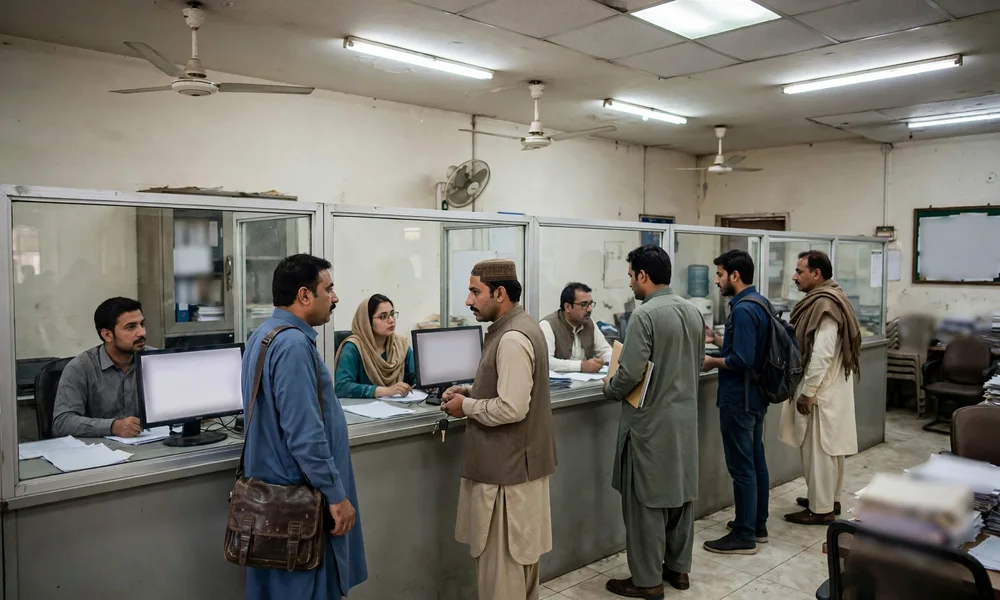
- Motor Registration Authority Sialkot. The district registration authority handles the file-level work for Sialkot-registered vehicles: registration, transfer support, duplicate documents, endorsements and record correction. The district Excise and Taxation Officer heads the district office, and the official department contact list groups the Sialkot officer with the Gujranwala directorate of the department, so regional escalation runs to Gujranwala.
- Department head office, Transport House, 11-A Egerton Road, Lahore. The head office carries policy matters, escalations and complaints that the district office cannot settle, and the department helpline is 1035.
- Facilitation centres. Biometric verification for transfers and a range of counter services run at facilitation centres, and the PITB helpline 0800-08786 confirms the nearest centre for a Sialkot applicant.
- Online first. Verification runs on the portal, dues and payments run through ePay Punjab, and an appointment can be booked before a counter visit, so counter time goes to the file.
An owner confirms the counter position on the department website or on helpline 1035 before travel, because district counter arrangements change over time and this guide prints no street address that a change would falsify.
When an office visit is required
Some problems cannot close on the portal, and an office visit to the MRA Sialkot is required in these situations. One case never reaches the Sialkot counter: a vehicle registered outside Punjab has no file in Sialkot, and only the registering authority holds that record.
- The record does not exist online. Very old Sialkot vehicles that were never digitised confirm against the paper file at the MRA office alone.
- The record is wrong. An incorrect engine number, colour or owner detail corrects on the file by the registering authority, supported by documents and, where the case needs one, a physical inspection.
- The chassis or engine stamping does not match the record. A mismatch is an inspection matter. The department verifies the vehicle physically before any correction, and a buyer never accepts a promise that the office will sort the mismatch out after the sale.
- A complete CNIC-linked list is needed. The open portal limits the personal data on display, and an owner who needs formal confirmation of every vehicle on a CNIC attends the MRA with the original CNIC.
- A card or book stands lost, or a returned smart card awaits collection. Duplicate documents and undelivered cards issue through the office of the district of registration.
The visitor carries the original smart card or registration book, the CNIC of the registered owner and the vehicle where an inspection is likely.
Buying a used vehicle in Sialkot
Sialkot moves vehicles on export money. Factory owners trade cars often, cargo firms turn over trucks and pickups on short cycles, and returning overseas Pakistanis buy and sell around their travel through the airport. The buyer reads the registering authority on the plate and the smart card before opening a portal. A Sialkot-registered vehicle verifies on MTMIS Punjab, and the buyer runs the check at the vehicle, never from a screenshot the seller supplies, because a screenshot can come from a different vehicle. A vehicle registered in another province verifies through the system of that province instead, and a buyer never accepts a Punjab printout as proof for an outside plate. The buyer matches the owner name to the CNIC of the seller, the engine number on the result to the stamping on the engine, and the chassis number on the card to the stamping on the frame. The buyer checks the token tax paid-up-to date with particular care on a cargo vehicle, then checks the separate e-challan record for the areas where the vehicle has run.
The transfer completes biometrically after purchase, with the authority that registered the vehicle. An open letter leaves the record, and the legal risk, with the seller. A buyer in Sialkot applies the same rule as a buyer in Lahore: documents first, payment after, transfer on the record before the vehicle changes hands in any lasting sense.
MTMIS Punjab: the complete guide to online vehicle verification covers the full system behind the Sialkot check, including registration, token tax and transfer in one place.
How to check and pay a Punjab e-challan online covers the camera fine record that stands separate from the Excise record.
Frequently asked questions
Is there a separate MTMIS Sialkot portal?
No. Sialkot vehicles verify on the provincial portal at mtmis.excise.punjab.gov.pk, because every district Motor Registration Authority feeds the same central database. Pages presented as a separate Sialkot portal are guide websites.
Can a vehicle registered in Islamabad be verified on MTMIS Punjab?
No. Vehicles registered in Islamabad sit in the separate record of the Islamabad Capital Territory, and the Punjab portal holds Punjab registrations alone. A buyer checks an Islamabad-registered vehicle through the ICT system, even when the vehicle stands for sale in Sialkot.
Does the verification result show the chassis number of a Sialkot vehicle?
No. The result shows the engine number and the other record fields, and no chassis number for any Punjab district. A buyer reads the chassis number on the smart card or registration book and matches the number against the stamping on the frame.
Can token tax for a Sialkot vehicle be paid without an office visit?
Yes. Dues calculate and pay through ePay Punjab, and ePay Punjab issues a 17-digit Payment Slip ID (PSID) that a bank application, an ATM or a mobile wallet accepts. The payment then reflects in the verification record.
Does a clean MTMIS record prove a Sialkot vehicle has no camera fines?
No. Camera fines sit in the separate Punjab Safe Cities Authority record for the camera-enforced areas where the vehicle has run. A buyer checks the e-challan record beside the Excise record before payment.
Can the MRA Sialkot correct a wrong engine number on the record?
Yes. The registering authority corrects the file for Sialkot-registered vehicles, supported by the vehicle documents and, where the case needs one, a physical inspection at the office.