How to dispute a wrong e-challan in Punjab
A wrong e-challan in Punjab is disputed on the same portal that issued it. The Punjab Safe Cities Authority (PSCA) runs the camera network and the portal at echallan.psca.gop.pk, and every challan on that portal carries the camera photograph, the violation, the date, the time and the location. An owner checks that evidence first, because the photograph settles most disputes before any form opens. A challan that shows a different vehicle, a cloned number plate, or a violation dated after the sale of the vehicle goes into the portal Review route with the evidence attached. This guide covers the dispute in full: the evidence check, the valid grounds, the Review steps, the cloned plate case and the challan that arrives after a sale.
Table of contents
- Read the challan before anything else
- Grounds that stand in a dispute
- Check the camera photograph on the portal
- File the dispute through the Review route
- Fake challan messages are a separate trap
- The cloned number plate case
- A challan that arrives after the sale of the vehicle
Read the challan before anything else
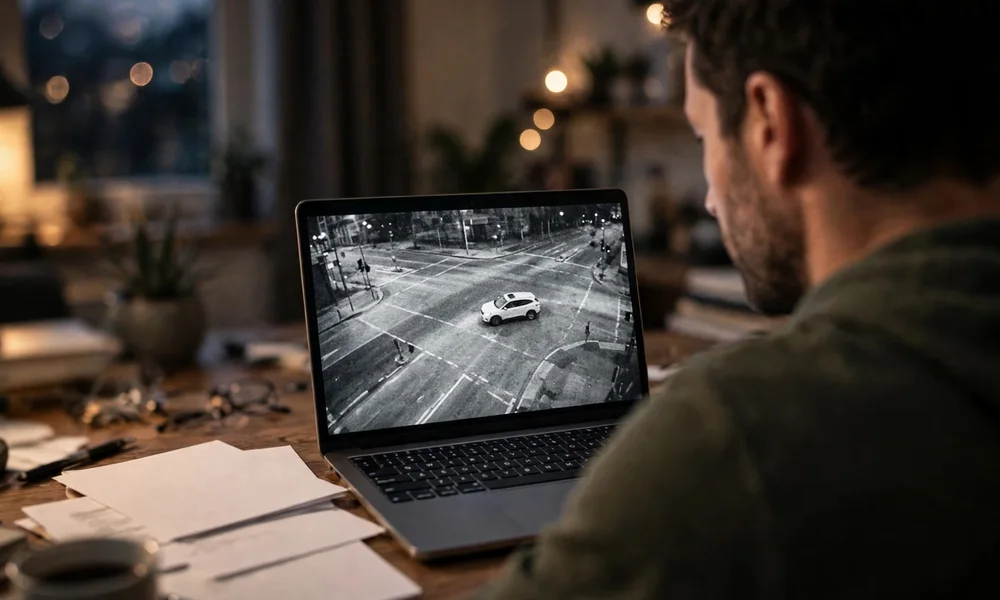
A dispute built on a guess fails, and a dispute built on the challan record stands a fair hearing. The owner opens the portal and searches by the vehicle registration number or by the CNIC, completes the security check, and opens the specific challan. The challan page shows the violation type, the fine, the date and time, the location, the Payment Slip ID (PSID) for payment, and the camera photograph of the vehicle at the violation. The owner saves a copy of that page and the photograph before any other step, because the dispute rests on the difference between the vehicle in the photograph and the vehicle on the record of the owner.
How to check and pay a Punjab e-challan online covers the same portal from the payment side, including the search that lists every challan against a vehicle.
Grounds that stand in a dispute
The Review route exists for errors of identity, and the grounds below match that purpose.
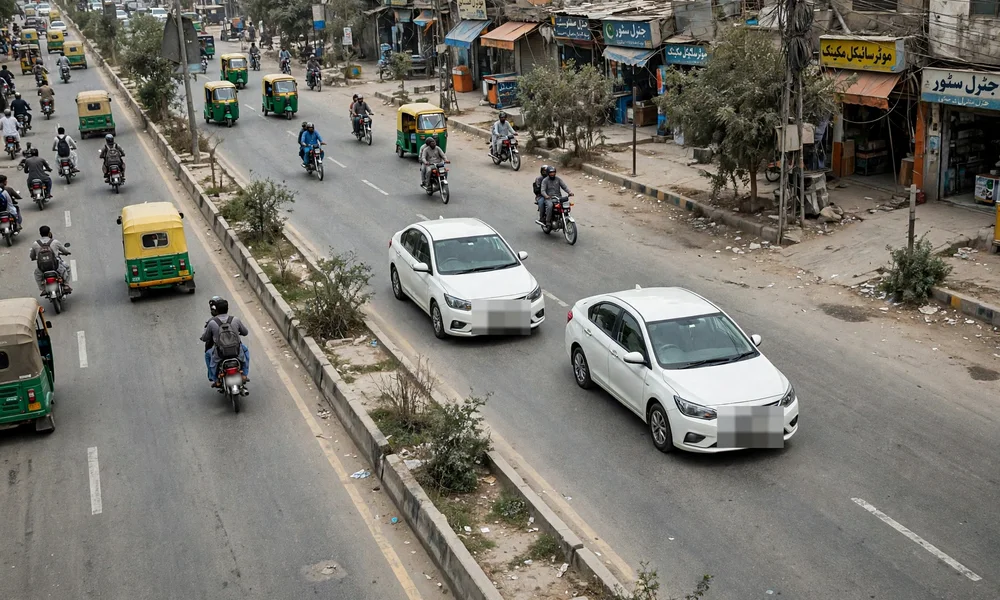
- A different vehicle in the photograph. The camera image shows another make, model, colour or body type that carries the same plate characters by coincidence or by a camera misread.
- A cloned or fake number plate. Another vehicle runs on a copy of the plate of the owner, and the camera bills the genuine record.
- A violation after the sale of the vehicle. The date on the challan falls after the owner sold the vehicle, and the record still names the seller because the transfer stands incomplete.
- A wrong plate reading. The camera or the processing read one character incorrectly, and the photograph itself shows a different number from the challan text.
A challan that correctly shows the vehicle of the owner, at a place and time the vehicle attended, with a violation the driver committed, carries no ground. The Review route reviews evidence, and accurate photographic evidence closes the case against the owner.
Check the camera photograph on the portal
The photograph is the centre of the dispute, and the owner reads four points in the image before filing anything.
- Open the challan on echallan.psca.gop.pk and enlarge the camera photograph.
- Compare the vehicle in the image with the vehicle of the owner: make, model, colour, body shape and any permanent mark.
- Read the plate in the image character by character against the challan number and against the real plate.
- Note the location and the time, and set the whereabouts of the real vehicle at that time beside the claim.
- Save the photograph and the challan page as the first items of the evidence set.
A photograph that plainly shows a different vehicle is the strongest single item in the dispute, because PSCA reviews the same camera record during the hearing of the case.
File the dispute through the Review route
The dispute files online, challan by challan, and the order below follows the portal route.
- Open the challan on echallan.psca.gop.pk through the registration number or the CNIC search.
- Select the Review option on that challan.
- Choose the dispute reason that matches the case: wrong vehicle, cloned plate, or the matching category the form offers.
- Write a short explanation in plain facts: the difference in the photograph, the sale date, or the character the camera misread.
- Attach the evidence: the challan photograph, photographs of the real vehicle and its plates, the registration documents, and the sale papers or the police report where the case carries one.
- Submit the Review and save the reference number the portal returns, and keep that number for every follow-up on the PSCA helpline 1215.
PSCA reviews the original camera record against the submission, and the owner follows the case with the reference number rather than with a fresh filing. An owner files the dispute before any payment, because the Review route works on an open challan and a paid challan stands settled on the record. Duplicate filings for one challan add confusion and no weight, so one complete filing with the full evidence set serves the case best.
Fake challan messages are a separate trap
A dispute begins on the portal record and nowhere else, because a second fraud runs beside the genuine system. Owners receive text messages and social media messages that announce a challan and push a payment link or a wallet number. A genuine challan lives on echallan.psca.gop.pk under the registration number of the vehicle, with the photograph, the violation and the PSID on the record. A message that announces a challan the portal does not hold is not a challan at all, and no dispute route applies to a message. The owner checks the portal first in every case: a challan on the portal enters the Review route where a ground stands, and a challan absent from the portal enters the waste bin. Payment follows the same rule in reverse. Genuine payment runs against the PSID printed on the portal record through the banking and wallet channels, and money sent to a number inside a message reaches a stranger and settles nothing.
The cloned number plate case
A cloned plate turns a traffic dispute into an identity case, and the owner runs two tracks at the same time. The first track is the portal Review, filed with the photograph that shows the other vehicle on the plate of the owner. The second track is a police report: the owner reports the cloned plate at the police station or through the police emergency line 15, and attaches the report to the dispute evidence. The report matters beyond the single challan, because a clone generates repeat challans for as long as the copy circulates, and the report opens the enforcement side against the vehicle that carries the copy.
An owner who suspects cloning also protects the genuine vehicle: keep dated photographs of the vehicle and its plates, keep toll and fuel receipts that place the vehicle, and check the portal on a schedule for fresh challans under the number. Duplicate number plates in Punjab covers the replacement plate position for an owner whose plates stand lost, stolen or copied.
A challan that arrives after the sale of the vehicle
A seller who completed a sale and skipped the transfer receives the challans of the buyer, because the record still names the seller. The dispute in that case carries the sale evidence: the sale agreement, the payment proof and the handover date, set against the violation date on the challan. That evidence answers the individual challan, and the pattern repeats for every fresh violation until the transfer processes. The permanent fix sits outside the dispute route entirely: the completed biometric transfer that moves the record into the name of the buyer.
Ownership not transferred on MTMIS after a sale: causes and fixes covers that fix for both sides, and MTMIS Punjab: the complete guide to online vehicle verification shows the record page that proves whose name the challan followed. A buyer in the mirror position, driving a vehicle still recorded under the seller, settles genuine challans promptly and completes the transfer, because an unpaid challan history against the vehicle attaches to the file the buyer is about to own.
Frequently asked questions
Can a wrong e-challan be disputed online in Punjab?
Yes. The PSCA portal at echallan.psca.gop.pk carries a Review option on each challan, and the owner files the dispute there with the reason, a short explanation and the evidence attached. The portal returns a reference number for follow-up on the PSCA helpline 1215.
Should an owner pay a wrong challan first and dispute the challan later?
No. The Review route works on an open challan, and a paid challan stands settled on the record. An owner files the dispute first, with the photograph and the documents attached, and follows the case through the reference number.
Does every e-challan carry photographic evidence?
Yes. Safe City camera challans carry the camera photograph of the vehicle at the violation, with the date, the time and the location on the challan page. The owner reads that photograph before filing, because the photograph settles most identity disputes on sight.
Can a challan issued on a cloned plate be cancelled?
Yes. A challan that the camera photograph ties to a different vehicle on a copied plate is a valid dispute ground, and PSCA reviews the original camera record against the evidence of the owner. A police report on the cloned plate strengthens the case and opens the enforcement side against the copy.
Can a seller dispute a challan for a violation committed after the sale?
Yes. The seller files the Review with the sale agreement, the payment proof and the handover date set against the violation date. The lasting fix is the completed transfer, because fresh challans follow the record name until the transfer processes.
Does a dispute need an office visit?
No. The dispute route runs online on the PSCA portal, and the follow-up runs through the reference number and the helpline 1215. An office visit enters the picture only where a parallel matter needs one, such as the police report in a cloned plate case or the transfer at the Excise office after a sale.